 Easy Tickets & Events - Shopify event ticketing
Sell event tickets from your own Shopify store
You run a weekly pottery class, or a jazz night once a month. Eventbrite adds 3.7% plus $1.79 to every paid ticket in the US, paid by your buyers by default, and puts them on its checkout instead of yours.
Easy Tickets makes the event a normal Shopify product. Buyers pay in your checkout, become your customer, and get a QR ticket by email. You scan them at the door on any phone, or on Shopify POS.
4.9 on the Shopify App Store, from 7 reviews. Checked September 24, 2026.
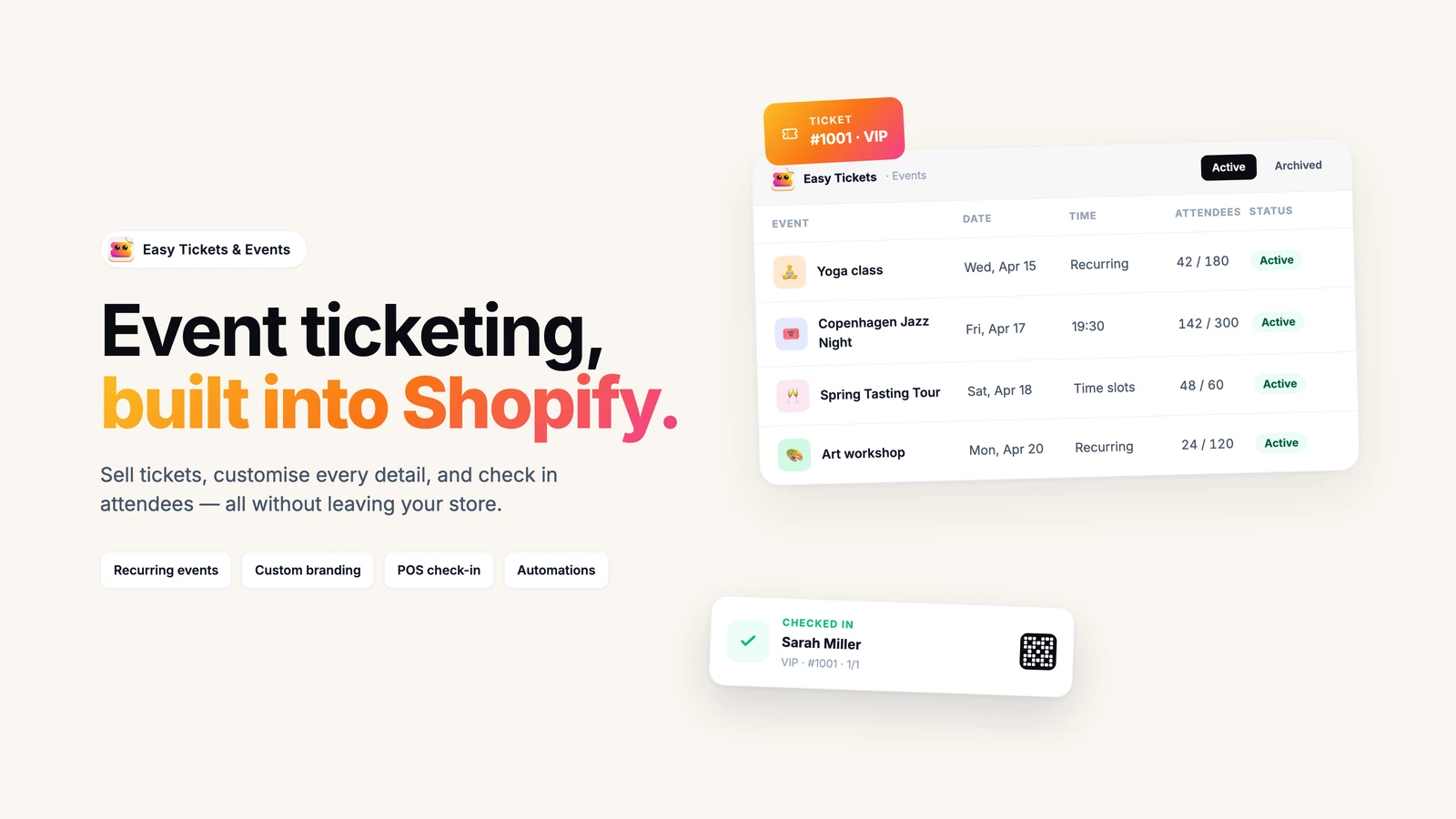
On your store
Four things your shoppers see
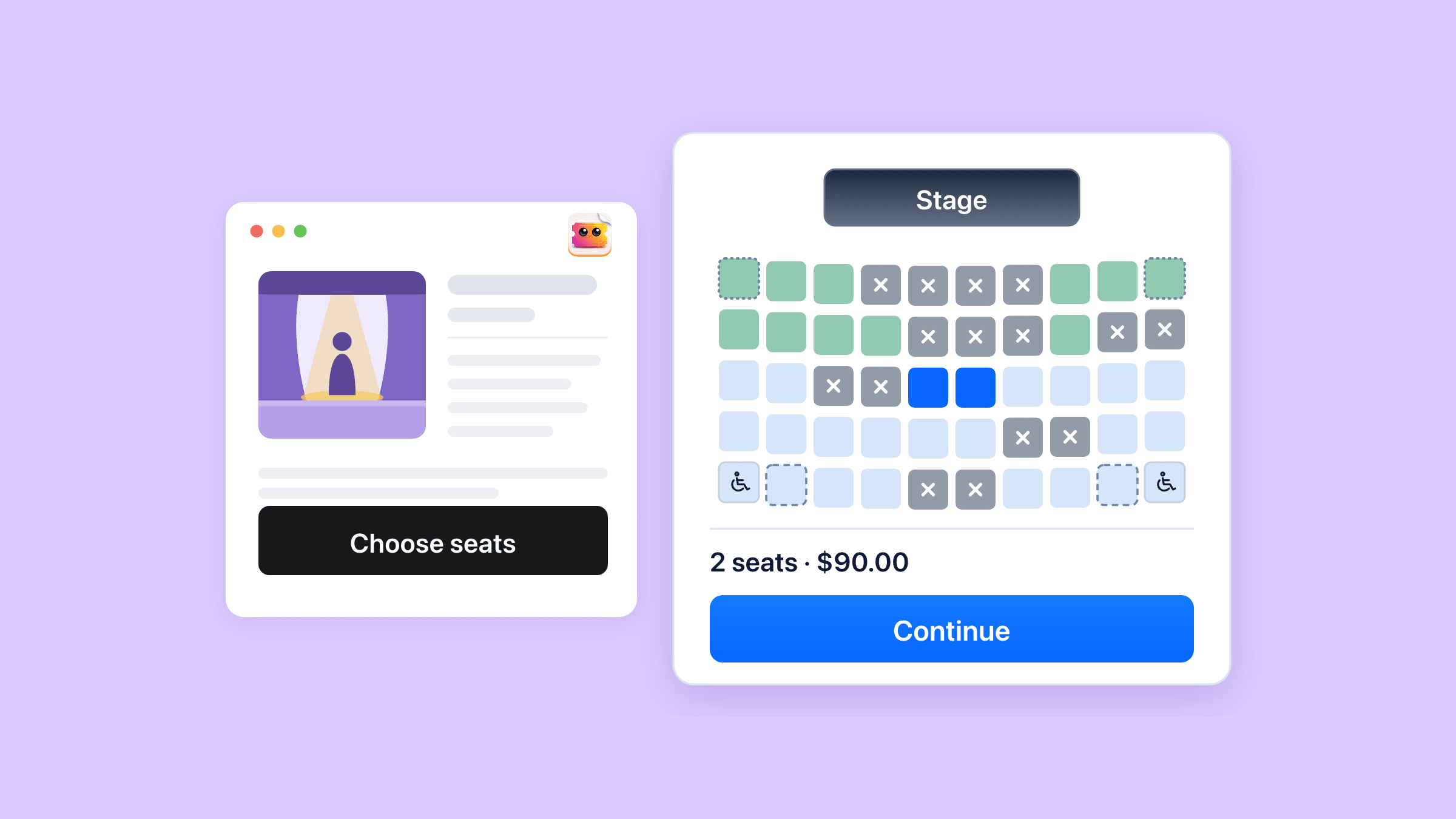
On a seated event the shopper picks their own seats from your map.
Reserved seating and seat maps
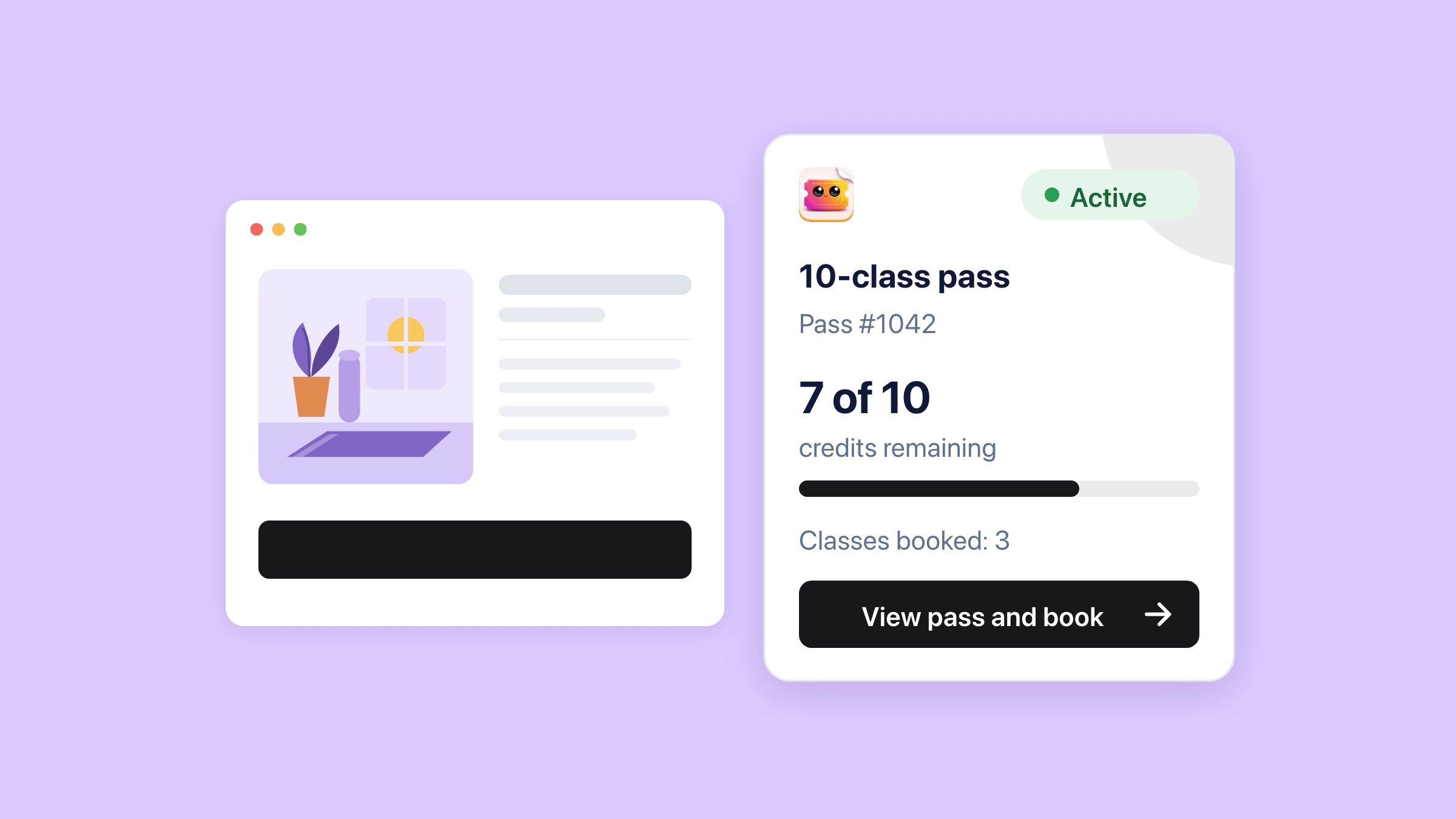
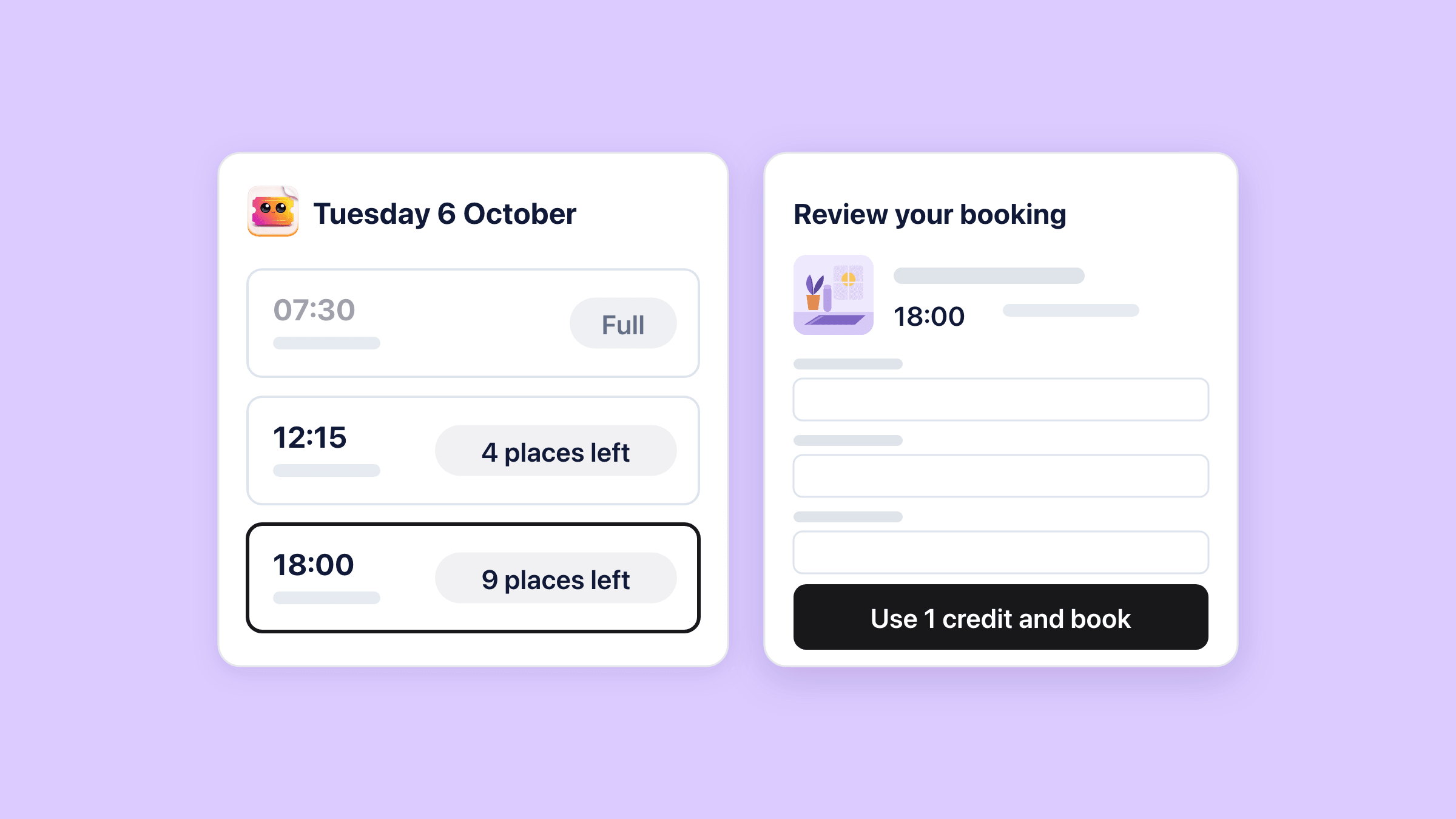
A class pass shows the credits left, and the customer books each class from it.
Class packs and passes
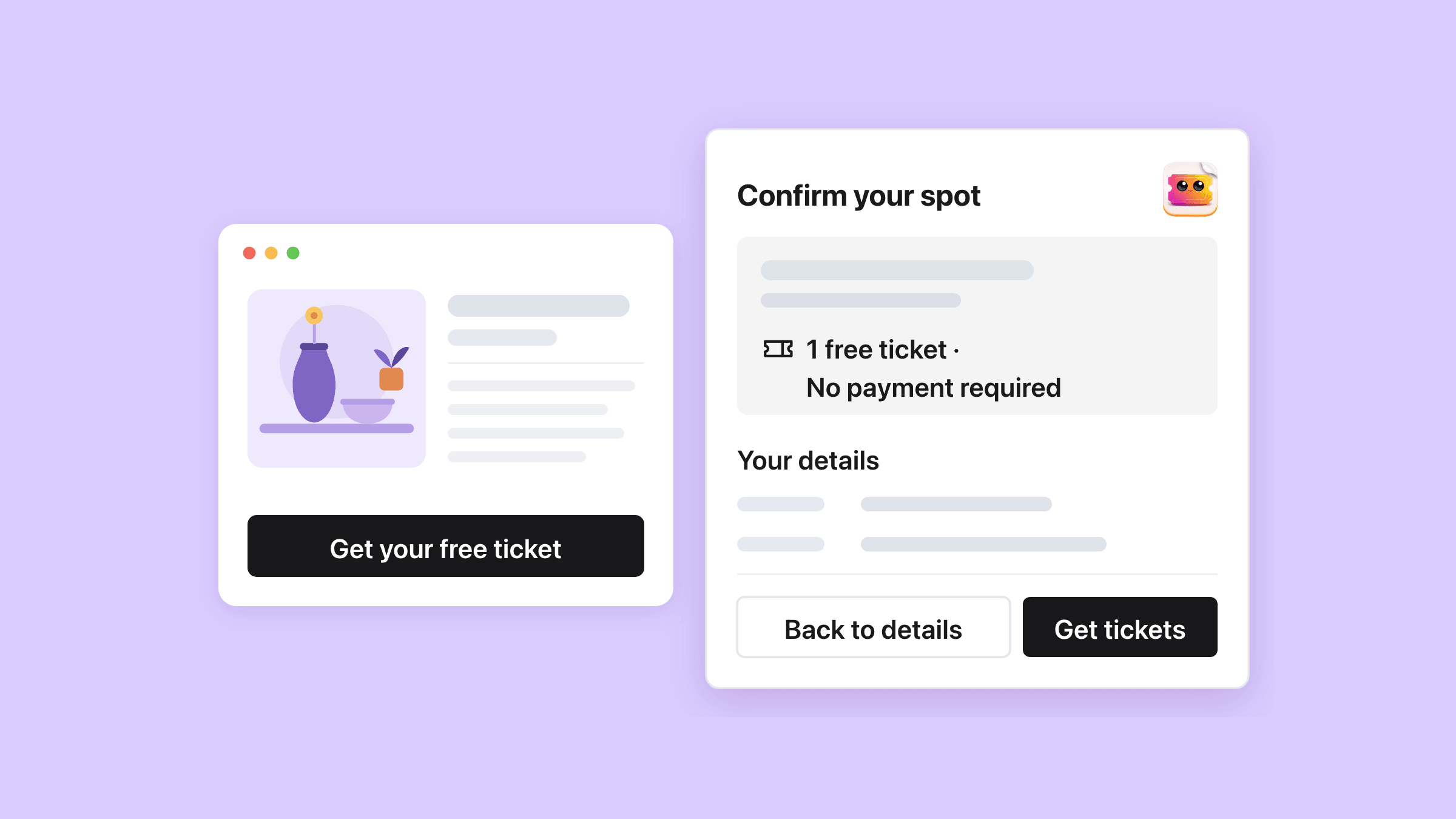
A free event takes sign-ups with a review step and no checkout.
Free registration and RSVP
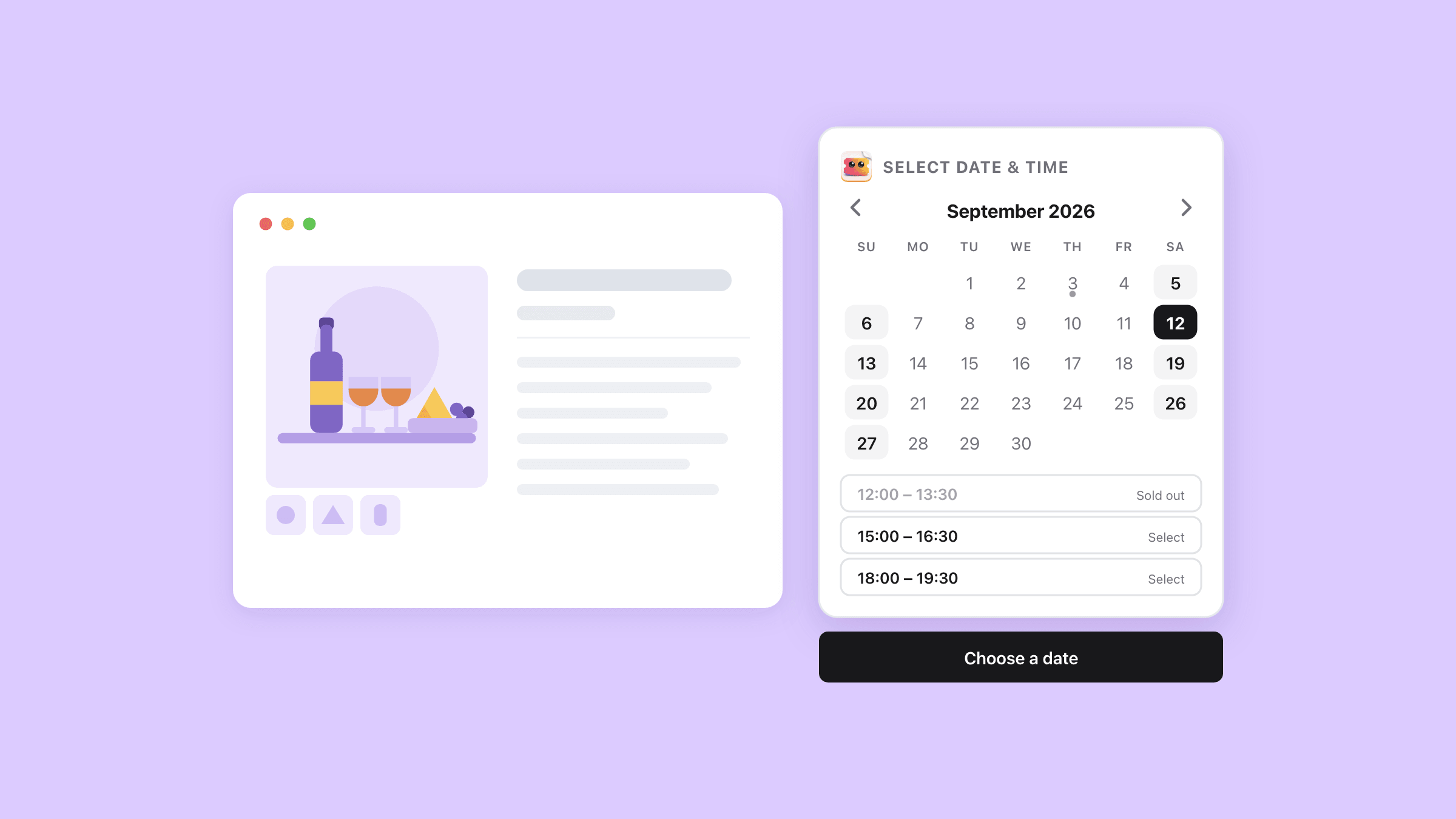
On a recurring event the shopper picks a date, then a time, on the product page.
Time slots and the date picker
Who it is for
Stores that sell a seat, a slot or a session
If people book a place and turn up at a set time, this fits.
Class and workshop hosts
Yoga studios and pottery evenings that run the same session every week and sell ten-class packs.
Venues
Theatres, comedy clubs and live music rooms selling numbered seats from a map.
Tours and tastings
Walking tours and distillery visits with fixed departure times.
Conference organisers
Multi-day programmes where each day carries its own capacity.
Restaurants
Prix-fixe nights and chef's table seatings sold ahead of time.
Fundraisers
Galas and free community nights run by people who are not event pros.
Demo
Watch an event go from setup to the door
Event formats
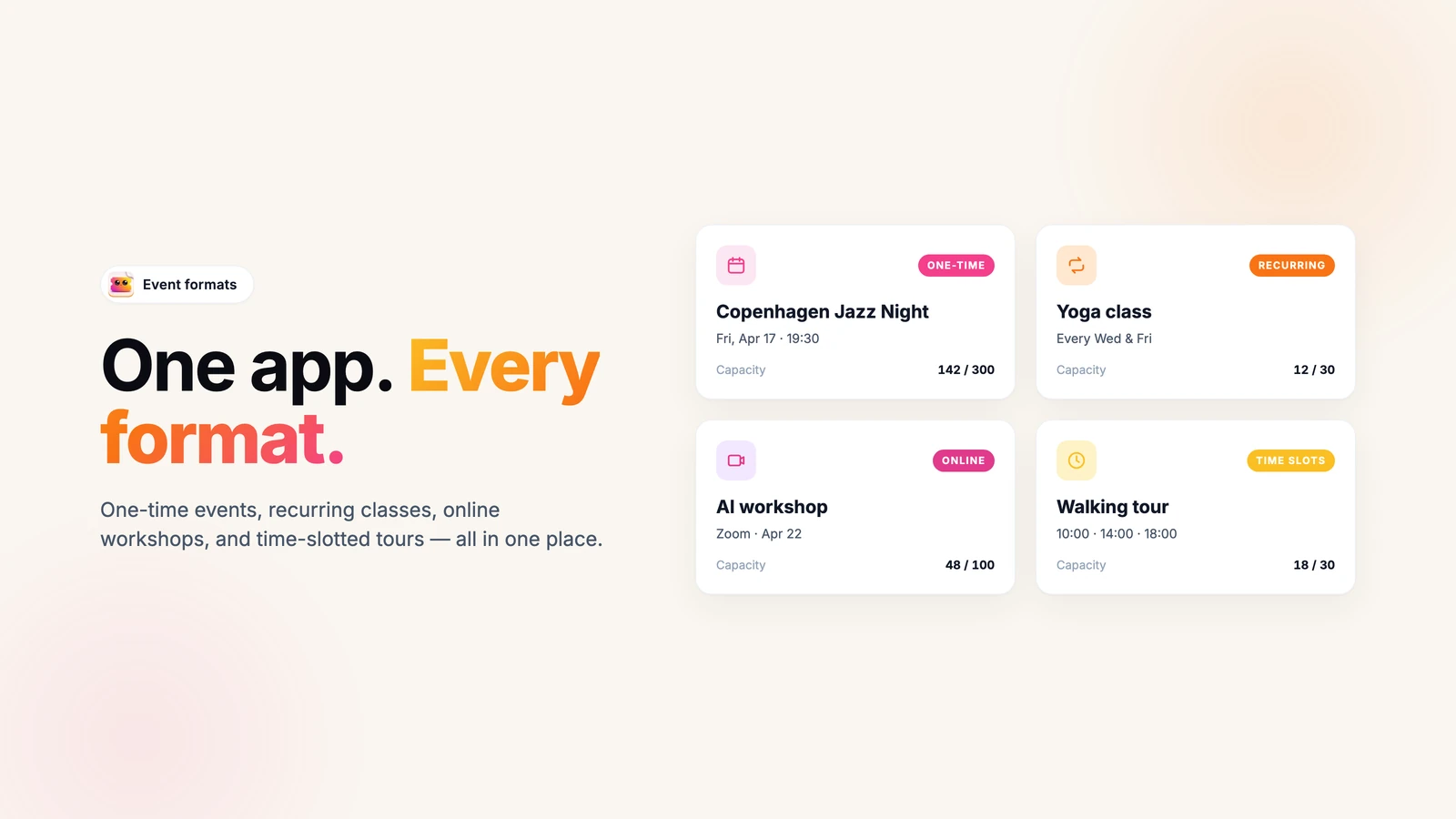
One-time nights, weekly classes, timed tours
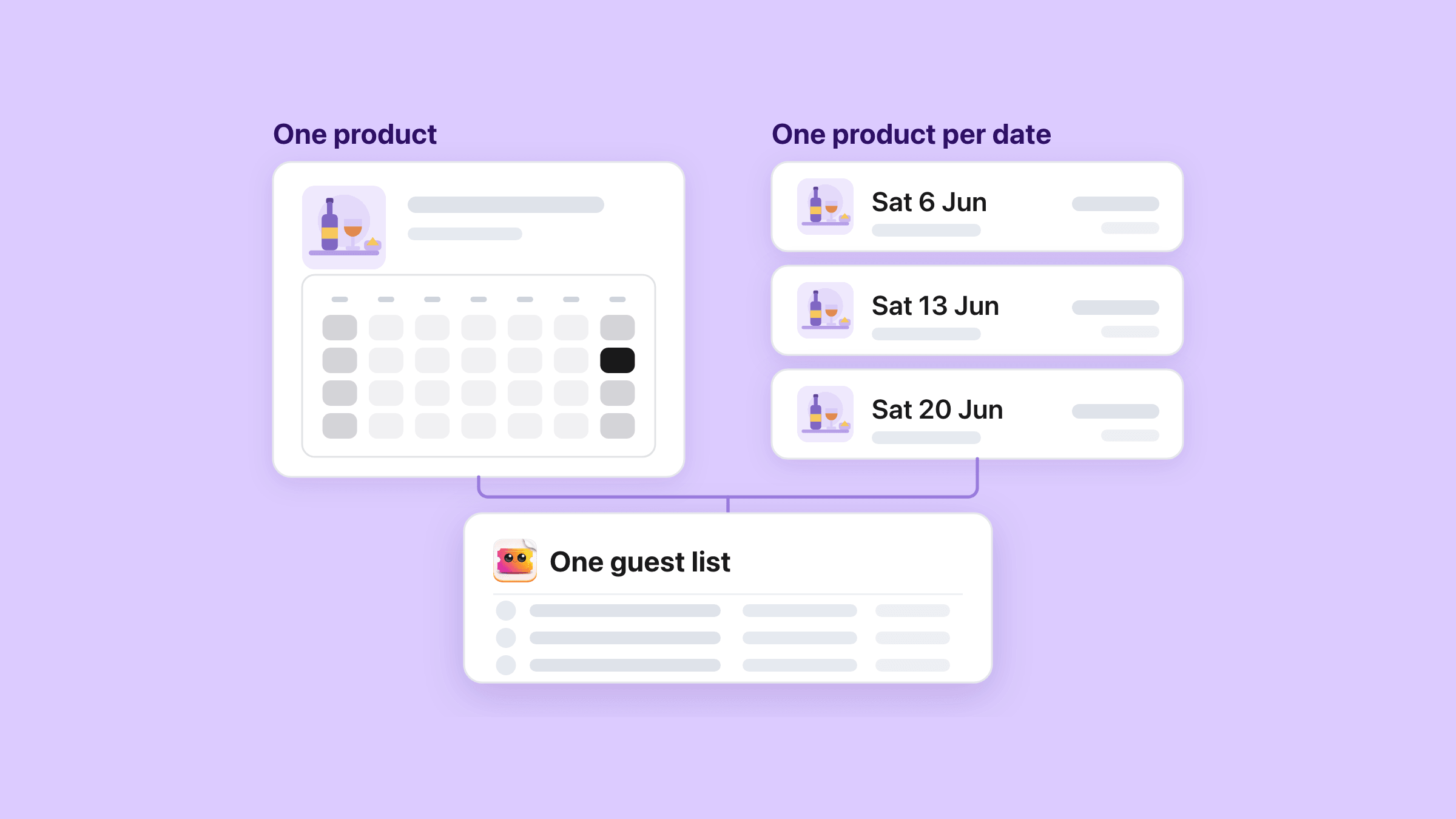
Set the pattern once and the app builds the Shopify product, the variants and the dates behind it. When you want the next stretch of dates, you press a button and they appear.
- One-time, multi-day and repeating events - daily, weekly, monthly, or a list of specific dates
- Time slots with their own capacity, and a calendar on the product page
- Several ticket types per event (GA, VIP, Student), each a real Shopify variant
- Capacity per ticket type, or one pool shared across all of them
- In person, or online with your own meeting link or a Zoom meeting the app makes
Reserved seating
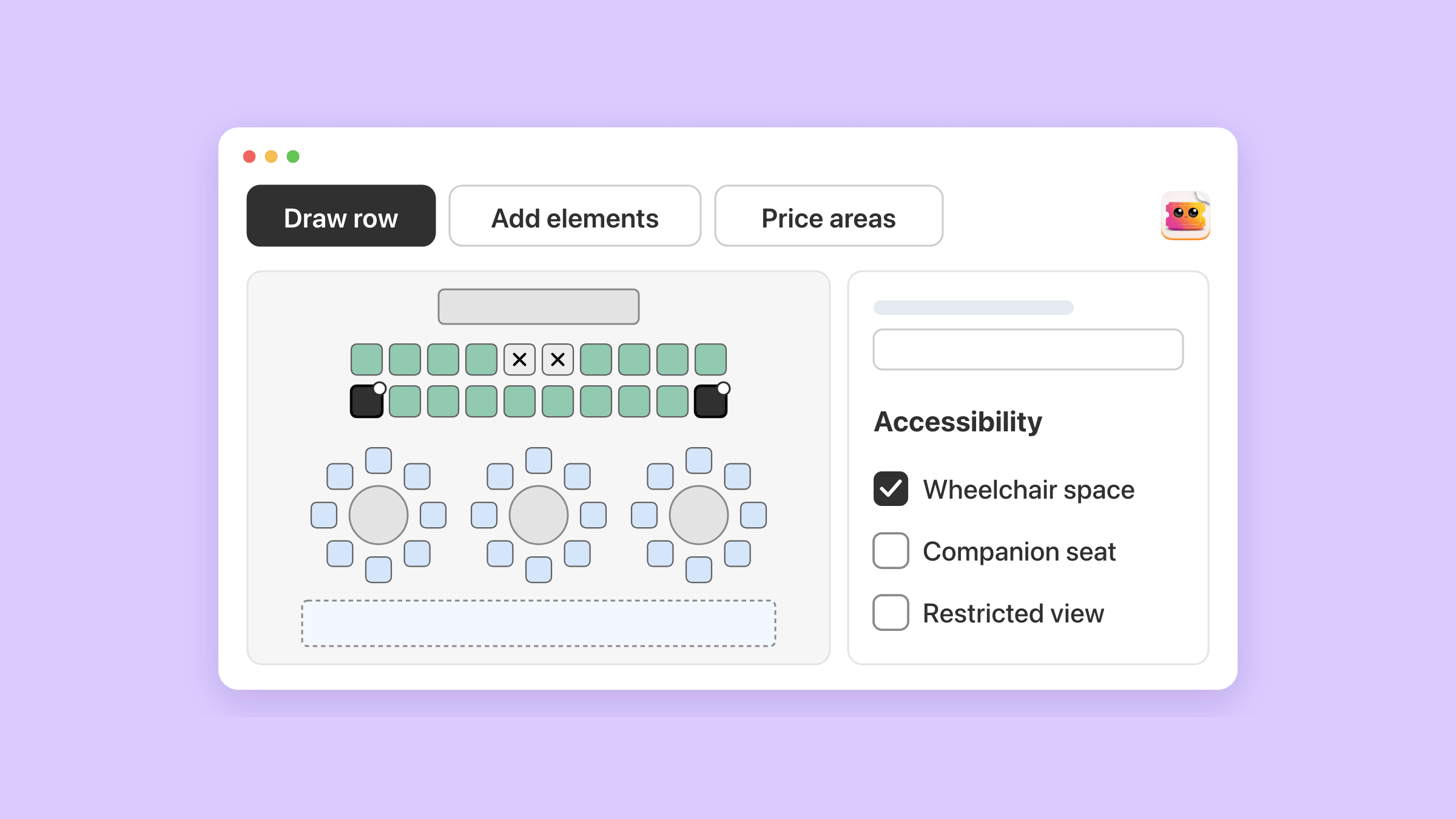
Let shoppers pick their own seats
Draw the room once in the seat map editor, with rows, tables and price areas. On the product page the buy button reads “Choose seats”. The shopper clicks seats on the map, names each guest and pays in your normal checkout.
- Rows, round and rectangular tables, standing areas and a stage, up to 5,000 places a map
- Price areas sold through your ticket types, such as Adult and Child in the stalls
- Wheelchair spaces, companion seats and restricted views marked for the shopper
- Seats held for 20 minutes by default while the shopper pays, anything from 5 to 30
- The seat on every ticket and at the door, while the POS till checks seated guests in but does not sell seats
Class packs and free events
Class packs for regulars, free sign-ups for open nights
Sell a pack of ten classes once, and the customer books each class from their pass until it runs out or expires. For a free event, switch on free registration and guests sign up with no cart and no checkout.
- Packs of 1 to 1,000 classes with an expiry you set, 90 days by default
- Customers book from a “My class passes” page or the Class passes block, one credit a class
- Cancel before your cutoff and the credit goes back on the pass
- Free events show a “Get your free ticket” button, and the ticket arrives by email
- A whole group can register in one go, with a review step before any ticket is made
On your storefront
The product page asks who is coming
An app embed you switch on in your theme puts the date picker and the attendee popup on the product page. It works on any Online Store 2.0 theme, with twelve blocks for placing each piece yourself. The popup designer has sixteen colour, corner and font controls, the calendar palette included.
- Collect attendee details in a popup at add-to-cart, or pull them from the order afterwards
- Your own questions per event, as text, email or phone, required or optional
- Add-ons with their own stock - shirt size, parking, dinner choice
- An optional refund-protection fee the buyer can tick in the popup or on the product page
- A “Join the Waitlist” button once every ticket type has sold out
Shopify-native
Real products, real variants, your own checkout
Every event becomes a Shopify product and every ticket type a Shopify variant. Discounts, taxes, POS and payouts then behave the way they already do across the rest of your catalogue.
- Buyers check out on your store, on your payment provider, and become your Shopify customers
- Promo codes are created as real Shopify discount codes, so they apply in native checkout
- Group tickets like a Table of 10 give the buyer claim links to hand out
- Five Shopify Flow triggers: ticket purchased, attendee checked in, ticket moved, event sold out, waitlist signup
- Klaviyo and Mailchimp sync your buyers across, and Zoom creates the meeting for online events
Tickets, emails and languages
Six designs, seven editors, and tickets in your customer's language
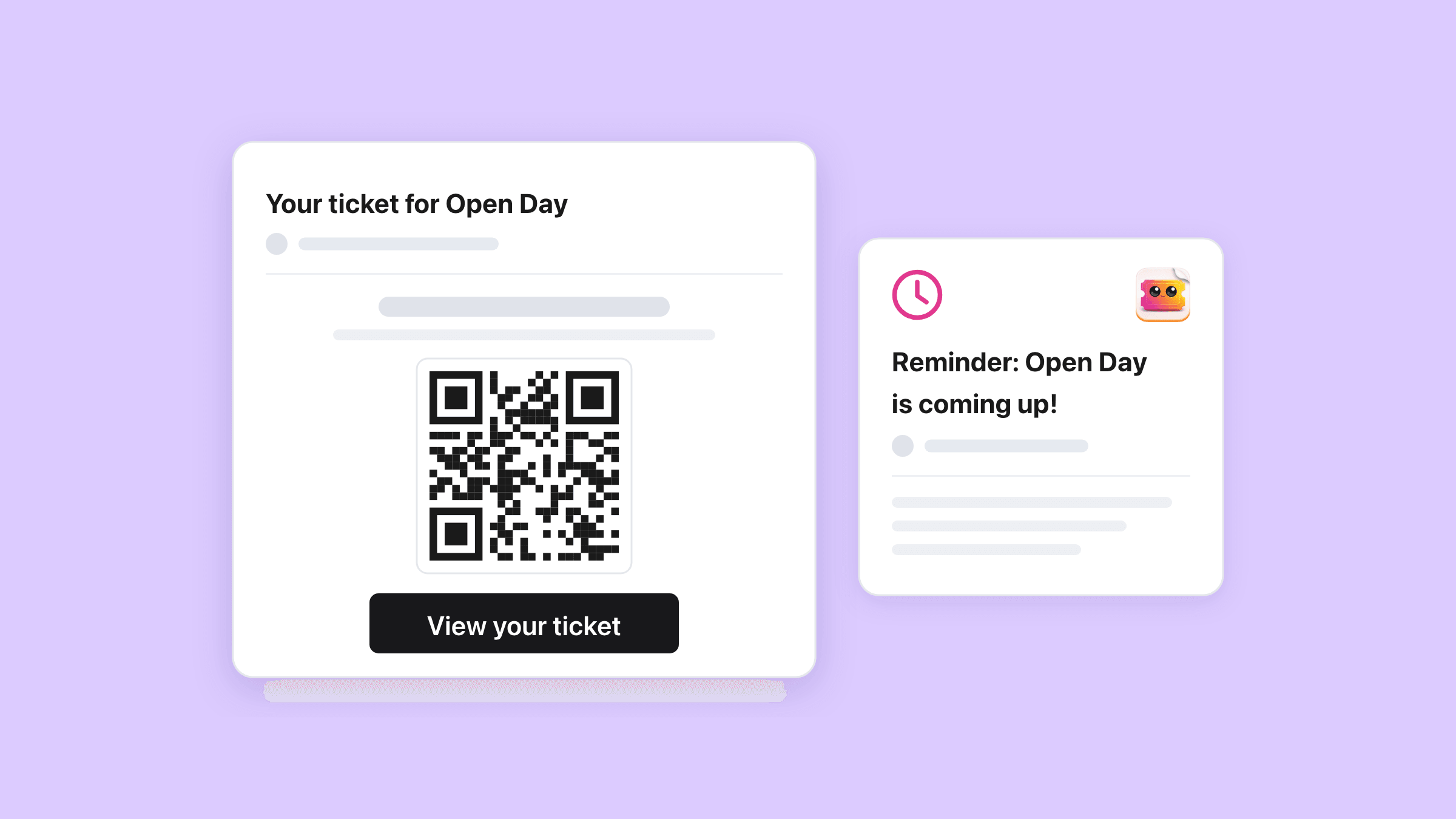
Pick a design when you create the event, and it restyles the four emails, the PDF ticket and the ticket page together. Each surface then has its own drag-and-drop editor. With customer languages on, every shopper gets theirs in the language they shopped in.
- Six designs: Classic, Cinema, Workshop, Festival, Conference and Sports
- Seven editors: the confirmation, reminder, follow-up and waitlist emails, the PDF, the ticket page and the popup
- Your own HTML on six of the seven, with named variables and a live preview
- Reminder and follow-up emails you switch on, from an hour to a week around the event
- Translations you type yourself, and an admin in English, Spanish, French, German, Portuguese or Danish
Check-in
Scan tickets on the phone your staff already has
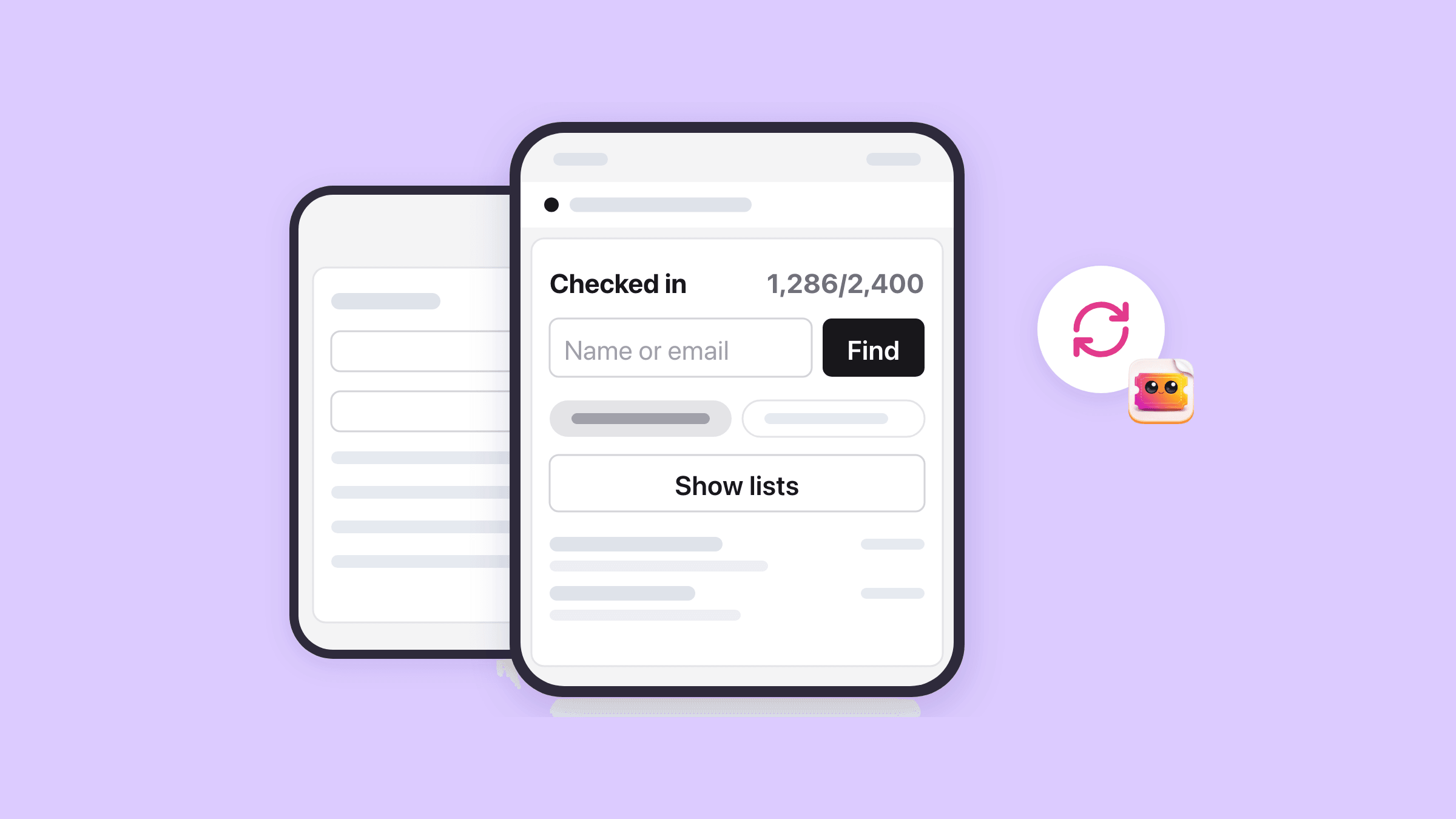
We built the door screen for whatever phone is already in a pocket, because hiring scanners for a 200-person night is money thrown away. Open it on a phone, a tablet, or the Shopify POS tile. Both need a signal, since every scan is written to the server as it happens.
- Scan the QR code with the camera, or type the ticket number when the camera will not cooperate
- A staff PIN, and one button that emails the link and the PIN to the phone at the door
- A running count of who is in, and a one-tap undo when somebody gets scanned twice
- Decide when a ticket may be scanned: any time, after the start, or a window you set
- Multi-day passes can be scanned a set number of times before they stop working
Pricing
Free for 20 tickets a month, flat plans after that
You pay for ticket volume only. There is no trial countdown, and the Free plan needs no card.
Every ticket you issue counts, free registrations and class bookings included. Add-ons never do, refunds give the count back, and an upgrade applies at once.
Every feature is on every plan, and there is no per-ticket fee. A month is a rolling 30-day cycle, and yearly billing on Shopify’s plan page costs ten months.
Need more than 2,500 tickets a month? Email support@upsellshark.com for a custom plan.
Installed before paid plans began on 23 September 2026? Your shop keeps the Founders plan: 500 tickets a month at no cost.
For comparison, Eventbrite’s published US service fee is 3.7% plus $1.79 per sold ticket, on top of 2.9% processing (checked 13 August 2026), and its own pages say those fees are paid by your buyers by default. Sell 300 tickets at $30 and that service fee alone comes to roughly $870, against 29 USD for the month on Essentials. At 20 tickets or fewer a month the app is free. See the full Eventbrite fee comparison.
FAQ
Questions people ask before installing
Seats, classes, the door, refunds and what it costs.
Can I sell event tickets on Shopify?
How does the buyer actually get their ticket?
How do we scan tickets at the door?
Can I scan tickets if the venue has no internet?
Does it work with Shopify POS?
What happens when someone asks for a refund?
Can a ticket be passed to somebody else?
Can I sell tickets for a weekly class or a tour with several departure times?
Can customers pick their own seats?
Can I sell a 10-class pass?
Can I run a free event without a checkout?
Can I change what the confirmation email and the PDF ticket look like?
Can tickets and emails go out in my customer's language?
Where do I see who is coming?
What does it cost?
Run your events out of the store you already have
Install the app, make your first event, and sell a test ticket to yourself to see the whole thing end to end.
Install on ShopifyFree for 20 tickets a month, no credit card. Plans from 29 USD when you sell more.
Related
Learn more
Draw the room once, and shoppers pick their own seats on the product page.
Sell ten classes once, and let regulars book each class from their pass.
Take sign-ups for a free event, a whole group at a time, with no cart.
The door page, the PIN, what a scan answers, and a scanner you can try here.
The buy button becomes a waitlist, and the oldest waiter is emailed when a seat comes back.
Ten benches, two materials: every ticket type draws from the same pool of places.
Several start times in one day, each with its own seats, and a picker you can try here.
The per-ticket fee maths, and where Eventbrite still wins.
From setting the event up to scanning people at the door.
Sell a repeating session with its own capacity per date.
Use the POS device your staff already hold at the door.
What you can change on every surface a buyer sees.
Every capability in one list, with a page or a guide behind each row.
Setup guides and answers for every screen in the app.