 Easy Brand Page - Shopify shop-by-brand directory
Every brand you sell, on one shop-by-brand page
Your products already have a Vendor filled in. Easy Brand Page reads it and builds an A-Z directory of every brand you stock, with a search box on top and no theme code to edit. Add a product with a vendor you have not sold before and the list updates itself.
5.0 on the Shopify App Store, from 4 reviews. Checked September 24, 2026.
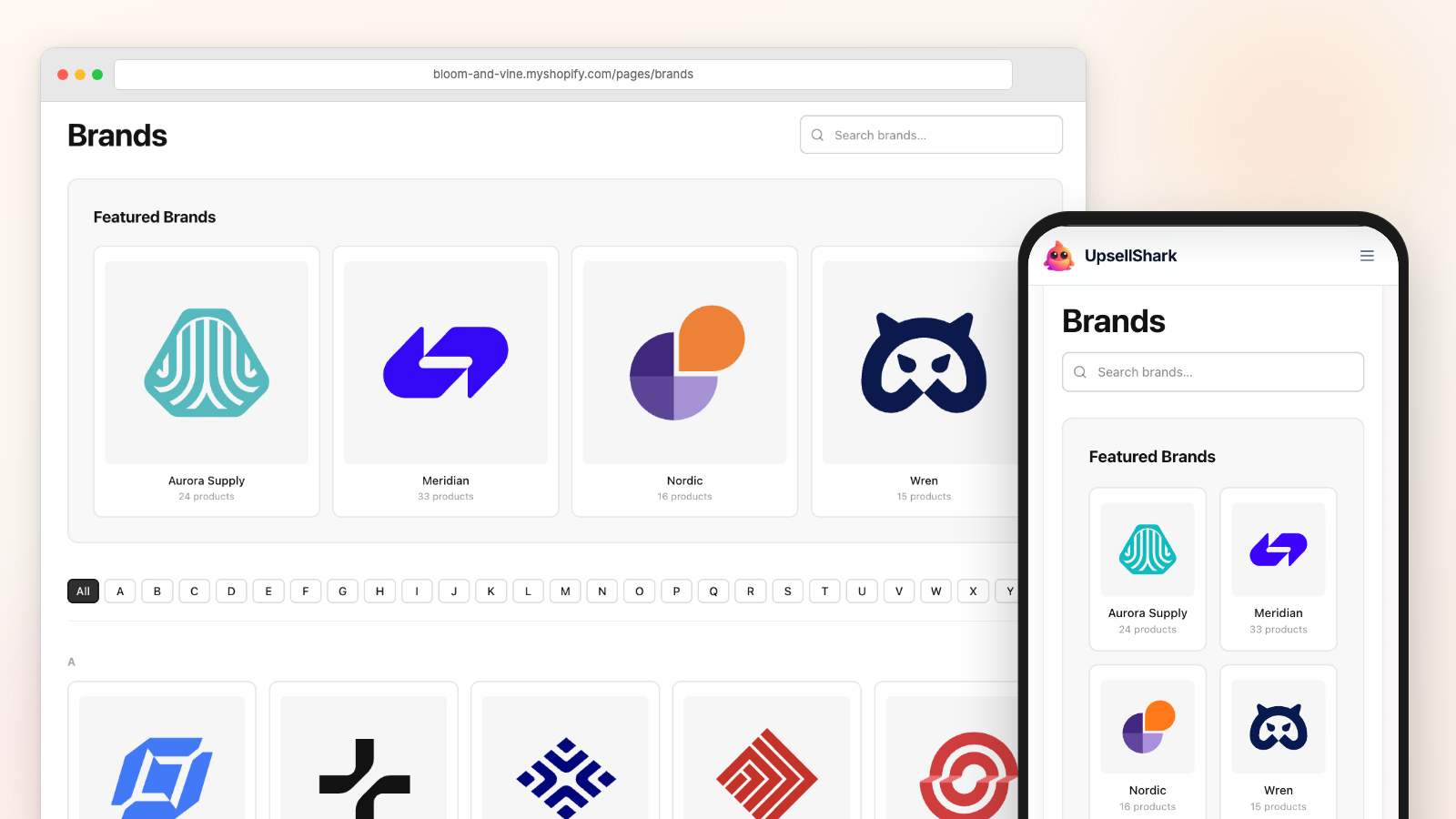
Easy Brand Page is a Shopify app that builds a shop-by-brand page out of the vendors already sitting on your products. It sorts them into one searchable A-Z directory and keeps that list right as your catalogue moves. Every other part of the app reads from that same list, and none of it needs a theme code edit.
Try it yourself
Play with the real directory before you install
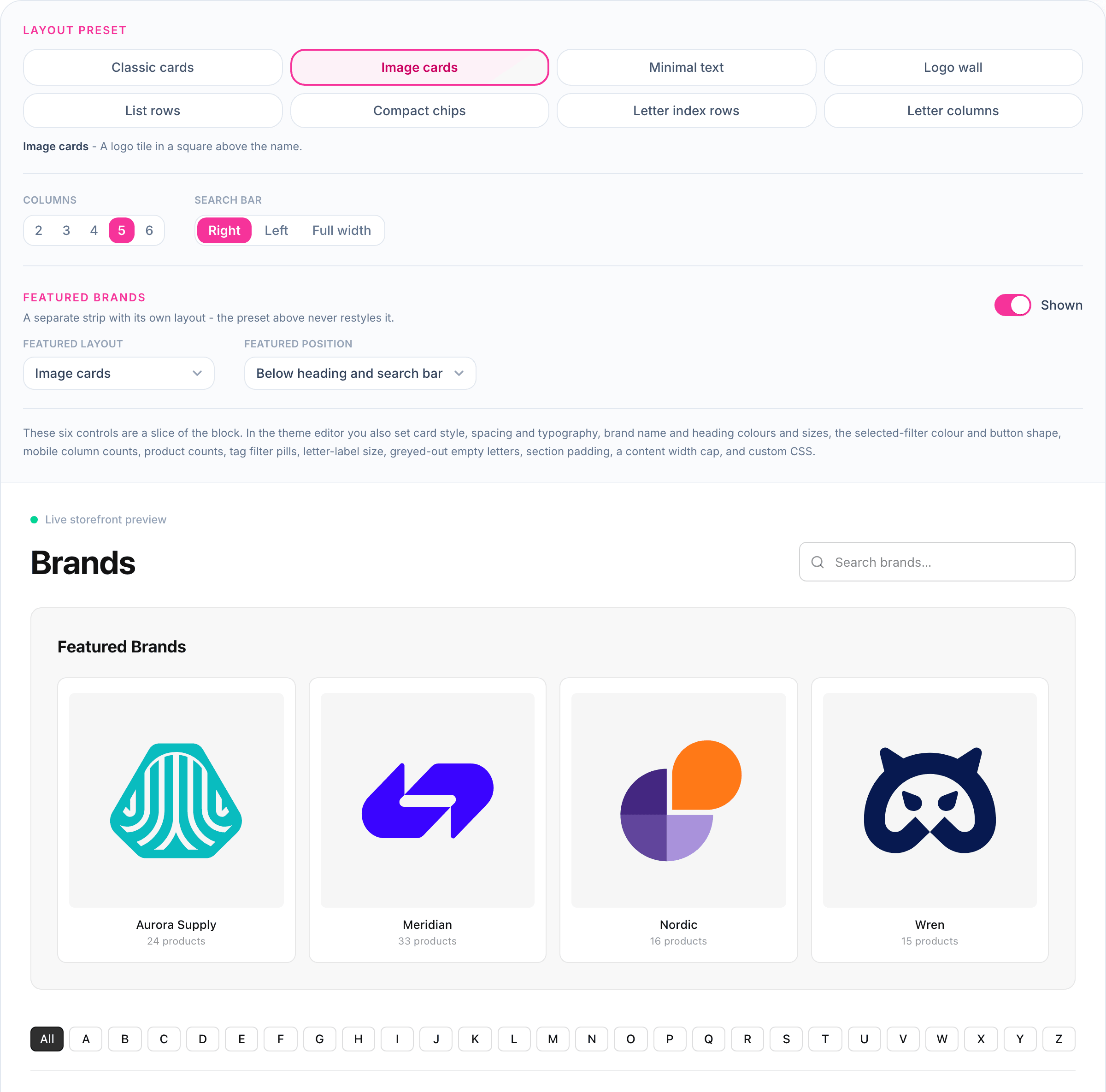
The demo runs the same storefront block your shoppers would get, styled with the same CSS. Change a setting and the block redraws in your browser, with nothing installed.
- All eight layout presets, from Classic cards to Letter columns
- Column count and search-bar position
- Live search and A-Z letter filtering
- A featured brands strip with its own layout and position
See it in action
Watch the block go onto a real store
One block, a theme editor, and the directory shoppers end up using.
How it works
Install, drop the block, publish
Every screen of it is written up in the guide to adding a shop-by-brand page to Shopify, including the manual collection route if you would rather not install anything.
It reads the Vendor field
On install, Easy Brand Page scans the Vendor on every product and builds the brand list from what it finds. Nothing to import. Nothing to type in.
You add the block in the theme editor
Open Customize in your theme editor and add the Brand page block. Put it on a dedicated page or straight onto the homepage. It is a theme app extension, so there is no Liquid to edit.
Then you mostly leave it alone
Add a product with a new vendor and the brand turns up on its own, usually inside five minutes. Star the ones you want featured and upload logos when you get round to it. Scan now forces an immediate refresh if you would rather not wait.
The directory
One page, every brand, sorted A-Z
Shopify gives you a vendor field and no page to put it on. The Brand page block is that page. Every vendor you sell, in alphabetical order, with a search box so a shopper hunting for one label does not scroll past forty others.
- An A-Z list of every vendor in your catalogue
- A search box that filters brands as the shopper types
- Letter buttons that jump straight down the list
- A featured row at the top for the brands you star
- Hide a brand you would rather not show, without touching the product
Brand logos
Real logos, and a sensible fallback when you have none
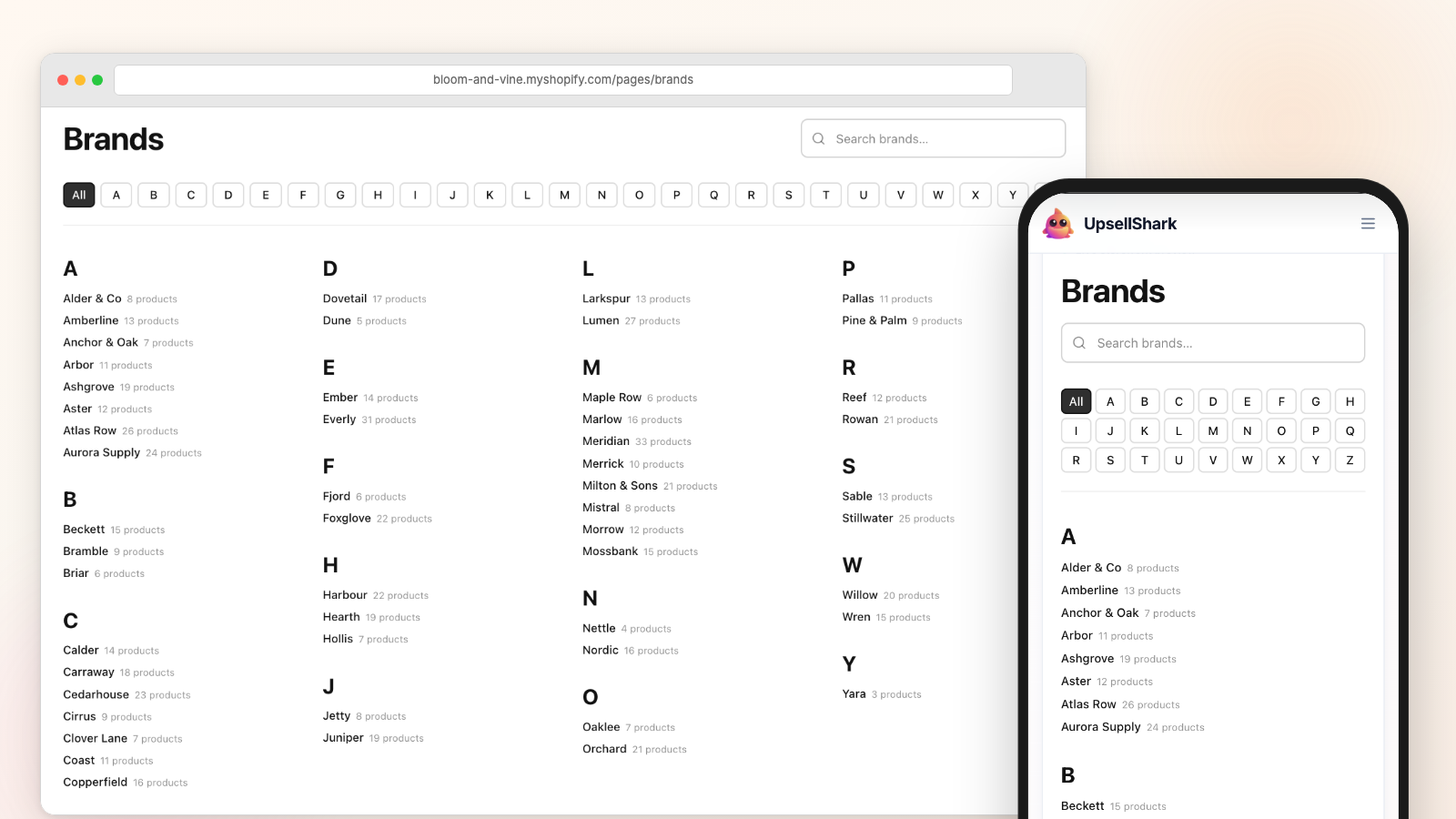
Shoppers recognise a logo faster than they read a name. Upload one per brand and it shows up everywhere that brand appears. Uploading two hundred of them is nobody's idea of a good afternoon, so any brand you have not got to yet falls back to its mapped collection image, and then to a letter tile.
- One logo per brand, uploaded in the app and stored in your own Shopify Files
- No logo yet? The card uses the mapped collection image, then a letter tile
- The same logo shows in the slider and in the product-page brand link
- Image-only mode drops the names for a plain wall of logos
The brand slider
A scrolling strip of logos for the homepage
The Brand slider is a second theme block, and it reads the same brand list as the directory. So once your logos are uploaded there is nothing else to set up - drop it on the homepage or in the footer. The guide to the Shopify brand logo slider walks through the settings, and showing brand logos in a grid covers the static version.
- An auto-scrolling strip of brand logos you can drop on any page
- Speed control and pause-on-hover, or switch the scrolling off and let shoppers swipe
- Grayscale until hover, so mismatched logos stop fighting each other
- Pick the source: your featured brands, one tag, or all of them (2 to 30 logos)
On product pages
Turn the vendor name into a link worth clicking
A shopper finds a brand through one product, then wants the rest of what you carry from it. Shopify does have a vendor URL for that, but it is a bare product list you cannot style or add copy to. The Brand link block replaces it with a “More from [brand]” link pointing at the brand’s real collection, and there is a longer write-up on how to link a vendor name to a brand page.
- A "More from [brand]" link, added once to your product template
- Optional logo beside the text, aligned left, centre or right
- Sends shoppers to that brand’s mapped collection, or a vendor search if there is none
- Inherits your theme’s fonts and sizes, so it does not look bolted on
Product page
An illustration of the block, not a screenshot. You add it once to the product template, and each product then shows the link for its own vendor.
Per-brand pages
Premium planGive every brand a page Google can rank
A directory entry is a link. A brand page is a real URL on your domain - /collections/nike - that lists the brand’s products and carries your own description and SEO title. Doing that by hand for two hundred brands is the job nobody finishes, so Premium can create a collection for each vendor in one pass, with an editor for the content and a full walkthrough in the brand pages documentation.
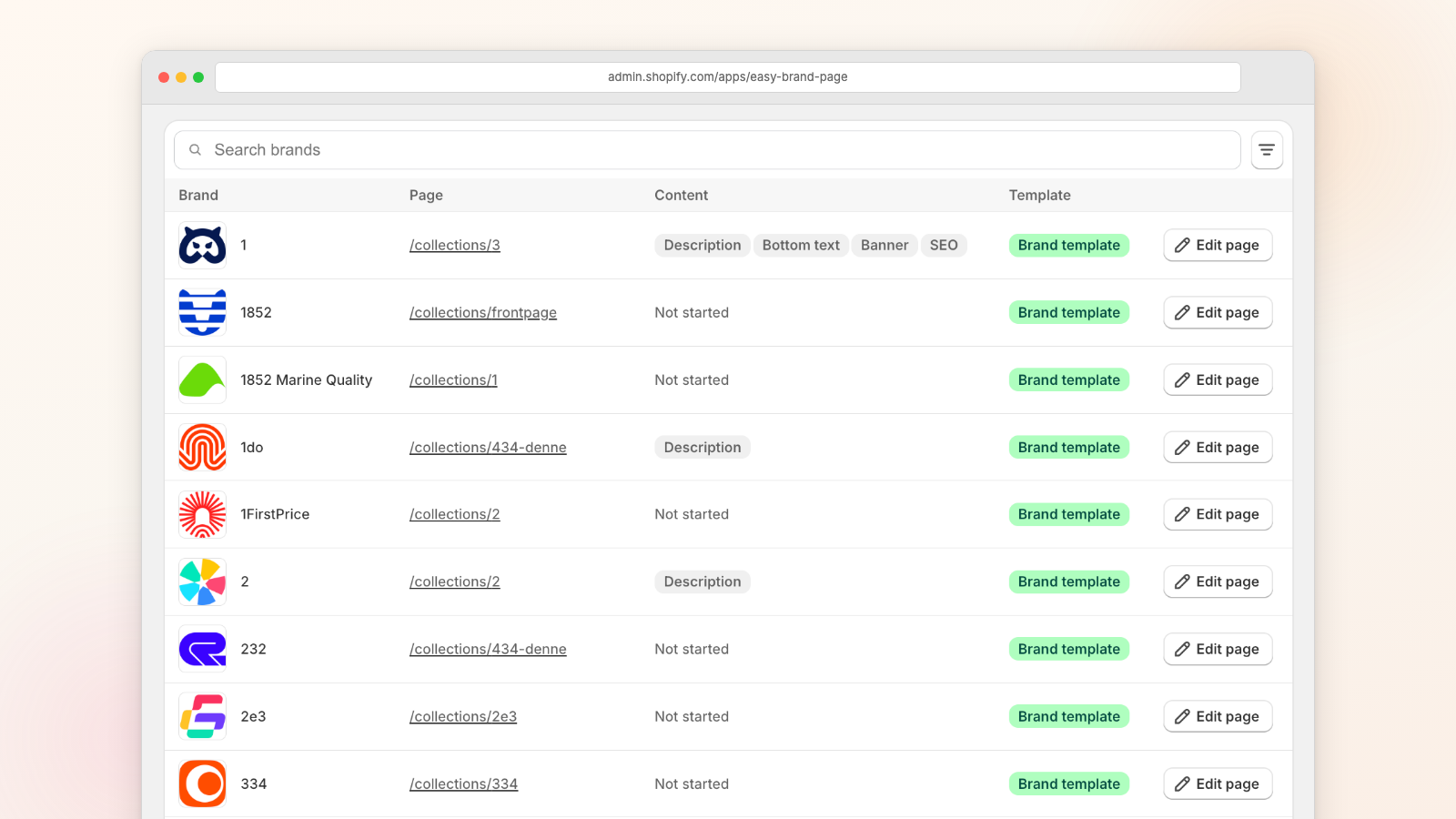
A collection per brand, in bulk
Tick the brands you want and the app creates one automated collection for each. If a collection for that brand already exists, it links to that one instead of making a second.
An editor for each brand
Banner image, a description above the products and one below, plus the native SEO title and description Shopify already stores on the collection.
Header and footer blocks
Two theme blocks put the banner, logo and descriptions on the brand’s collection page. They only render on brand pages, so your ordinary collections look the same as before.
Brand markup for search engines
The Brand header block emits schema.org Brand JSON-LD, which tells Google and the AI answer engines that the page is about that brand rather than a generic category.
CSV import and export
Edit mappings, tags, favourites and website links in a spreadsheet. The import shows you a preview first, only updates what it matches, and never deletes a brand.
It never deletes or renames
The app writes to collections you asked it to create or link. It does not rename a collection you already had, and it does not remove one.
Category filters
Plus planWhen A-Z is not enough on its own
Alphabetical order works until you carry brands from departments that have nothing to do with each other. Tag the brands into categories and shoppers get pills they can click to narrow the grid, which is the difference between browsing your brands and hunting through them.
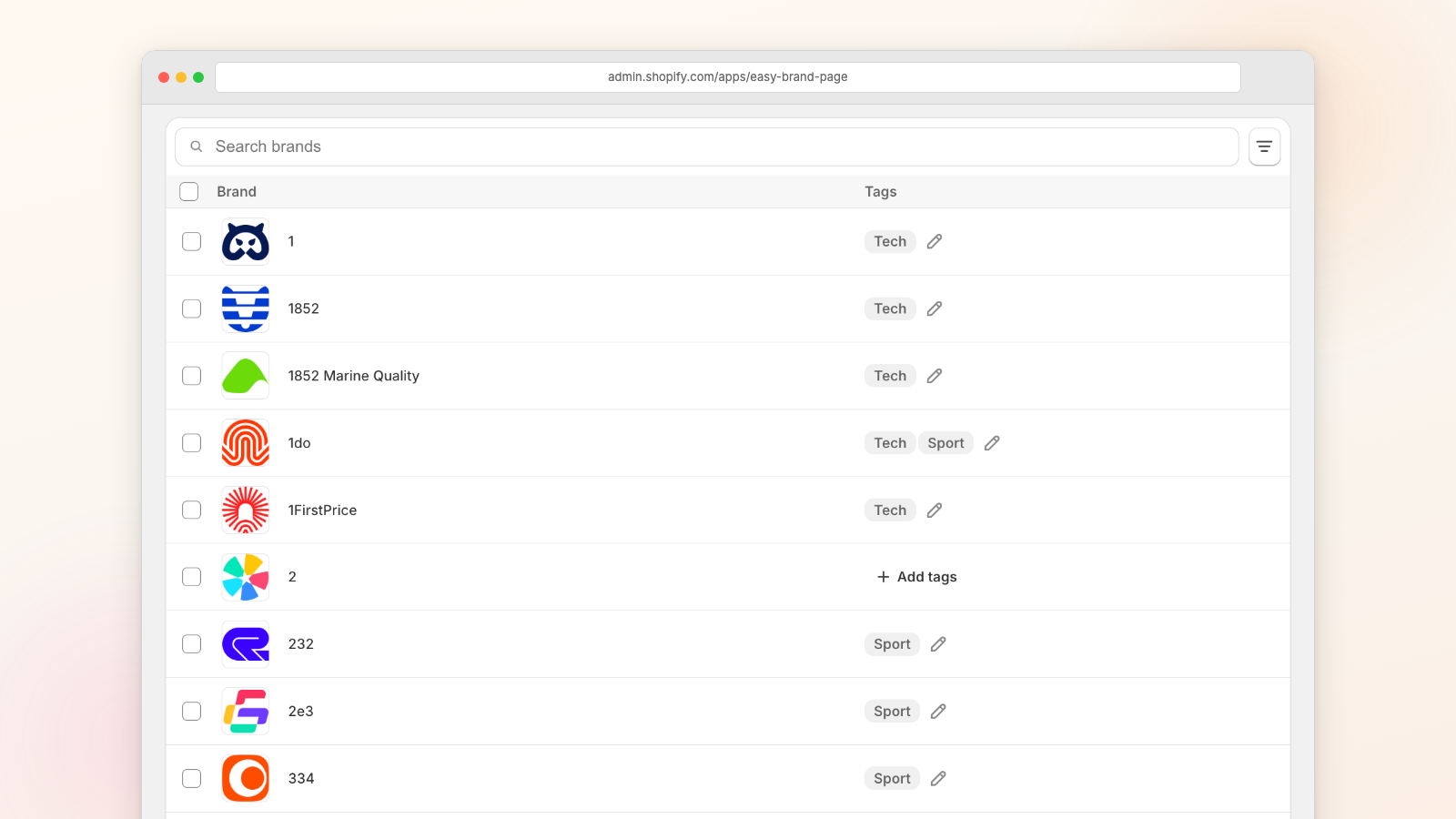
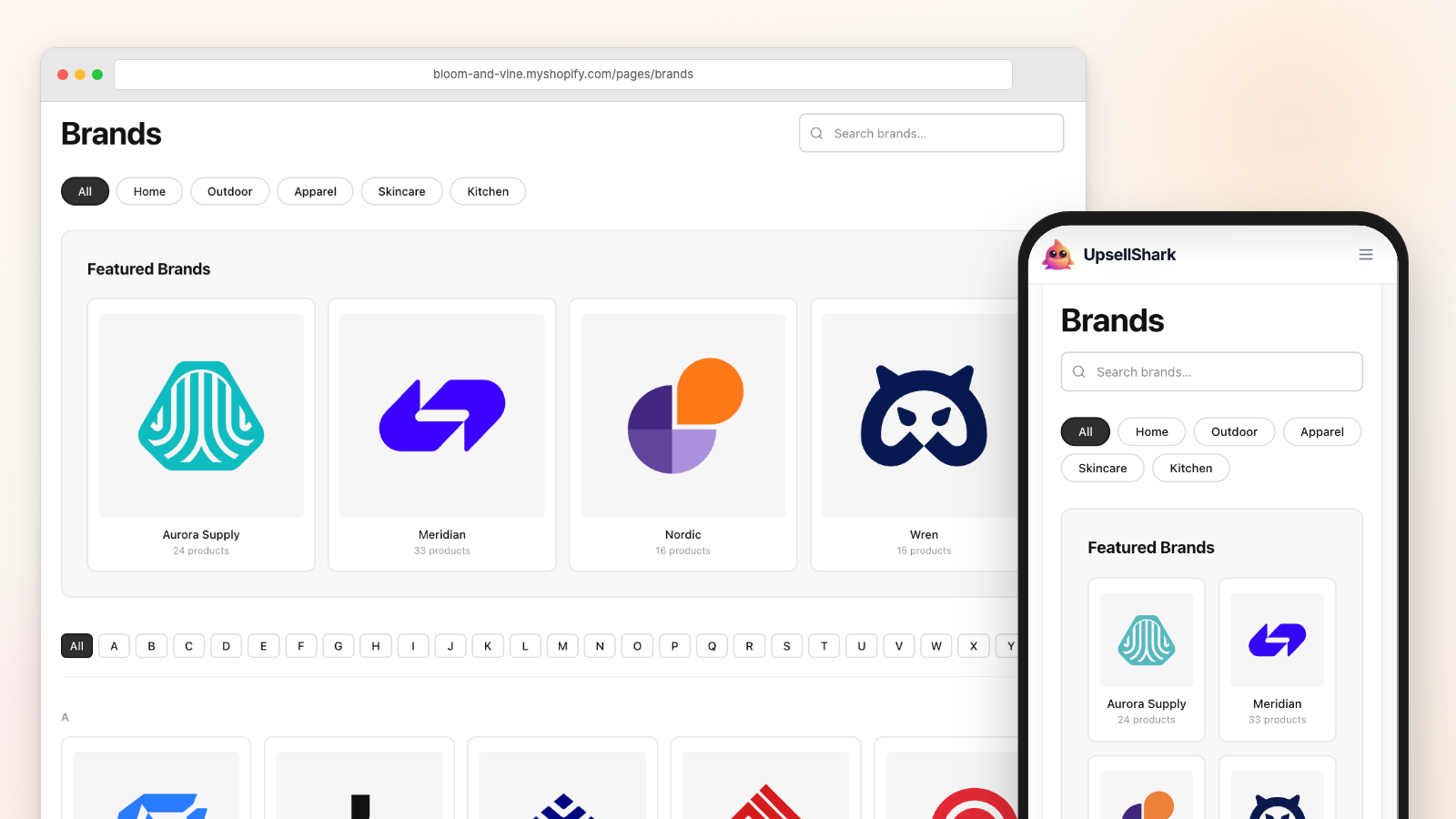
Tag brands into categories
Group brands under labels like Skincare or Clothes. Tag a batch at once, then fix up one brand’s tags when it does not fit the batch.
Filter pills for shoppers
Tags turn into pills on the directory. Clicking one narrows the grid, and the pills work alongside the search box and the A-Z letters.
Several tags under one pill
Tag brands "cream" and "lotion", then show both as a single Skincare pill. Undo it later and the underlying tags are still there.
A page per category
Pin a Brand page block to one tag and it shows only those brands - a Skincare page, a Clothes page, as many as you have tags for.
Design
Match your theme without opening a CSS file
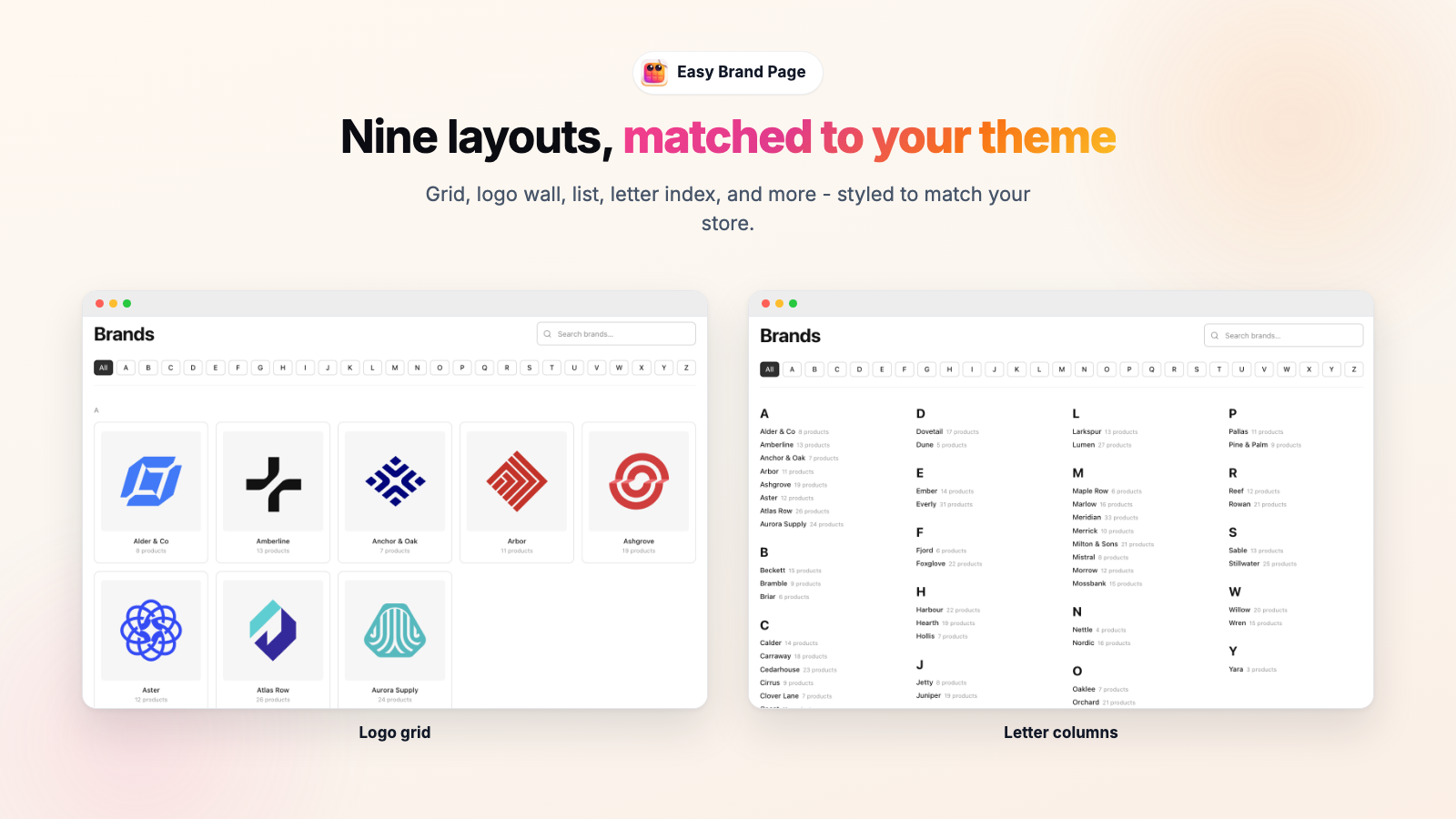
Pick one of the eight layout presets and adjust it from there in the theme editor, with the preview updating as you go. Every preset and every design control sits on the free plan, because a directory that looks wrong on your theme is not much use to anyone.
- Eight presets: Classic cards, Image cards, Minimal text, Logo wall, List rows, Compact chips, Letter index rows, Letter columns
- A ninth Custom option in the picker, for when none of the eight is quite right
- Card style and spacing presets, with column counts set separately for desktop and mobile
- Colour and size controls for the heading, the brand names and the letter bar
- Everything inherits your theme fonts and colours until you override it
Always in sync
The part you never have to maintain
This is the reason the app exists. A hand-built brand list is correct on the day you make it and wrong a month later. Easy Brand Page re-reads your vendors whenever products change, and that syncing is free on every plan including Free.
- Reads the Vendor on every product through the Admin API
- Auto-sync runs on every plan, free, with nothing metered and no add-on
- A product edit lands within about five minutes; a bulk import can take up to half an hour
- Scan now on the Brands page when you would rather not wait at all
- That grouping is for display only - your product Vendor field is never rewritten
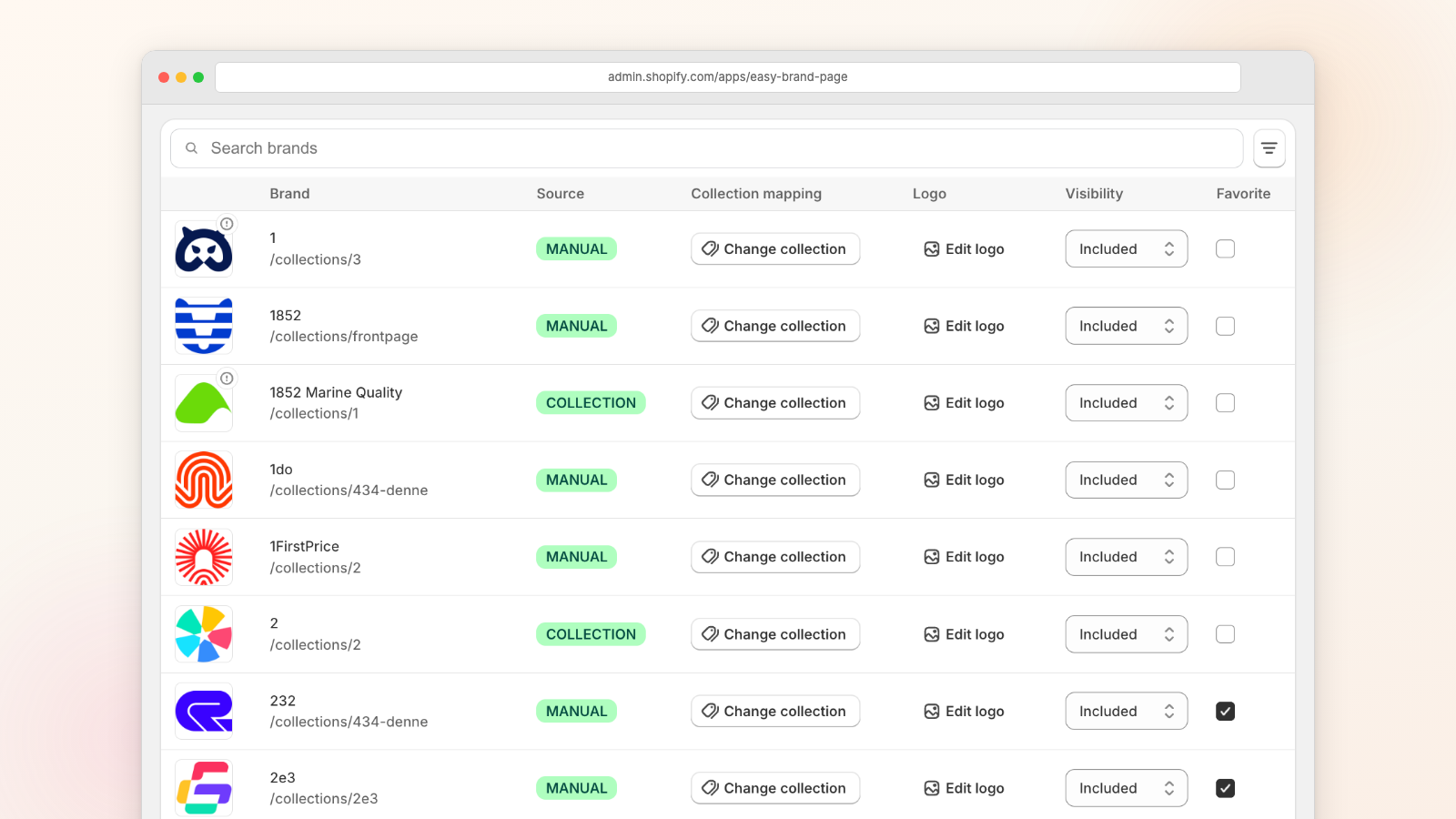
All of this is built on the product vendor field. The app groups spelling variants of one name into a single brand - a stray capital, an extra space - and it does that for display only, without ever rewriting the vendor on your products. What it will not do is guess that “Coca-Cola” and “Coca Cola” are the same company, so those stay two separate brands. Fixing that means tidying the source, which is what the guide to renaming and merging product vendors is for.
Speed and SEO
Server-rendered, so Google reads what shoppers read
Plenty of storefront apps ship a JavaScript widget that draws itself after the page loads, which costs you speed and leaves a crawler looking at an empty box. This one is Liquid. Shopify renders the brand list into the HTML before it goes out, so the brand names are in the page a crawler fetches.
- The directory is Liquid, rendered on Shopify’s servers before the page reaches the shopper
- One small inline script handles search and the letter jumps, and that is all the JavaScript there is
- The logo slider animates in CSS, so the scrolling strip adds no JavaScript at all
- No framework, no external scripts or stylesheets, nothing tracking your shoppers
- Logos below the fold are lazy-loaded, and reduced-motion settings are respected
Brand markup on brand pages
On Premium, the Brand header block adds schema.org Brand data to each brand’s collection page. It is the machine-readable version of “this page is about Nike”, which is how Google and the AI answer engines tell a brand page apart from an ordinary category page.
"name": "Your Brand",
"logo": ".../brand-logo.png"
Who it's for
Stores where people shop the label, not the category
If your products have vendors filled in, you already have the data. The question is whether your shoppers browse by brand, and in these three cases they usually do.
Multi-brand boutiques
Apparel, beauty and lifestyle stores where shoppers arrive loyal to a label and want to see everything you carry from it.
Marketplaces and stockists
A few hundred vendors and a catalogue that changes weekly. This is the case where a hand-built brand list goes stale fastest.
Specialty and parts stores
Car parts and hardware, where shopping by manufacturer is how the customer already thinks. They turn up expecting a brand index, and they notice when there is not one.
Still weighing up the options? There is a roundup of the best Shopify brand page apps covering the whole category, and a head-to-head against the app most merchants compare us with, LFS Instant Brand Page.
Pricing
Free until 30 brands, then it depends what you need
Every plan runs the same code. Paying lifts the brand cap and adds features on top; it never puts the directory itself behind a wall.
Free
Up to 30 brands shown on your storefront.
- The A-Z directory with search and letter jumps
- Featured brands row
- Brand logo uploads
- The Brand slider and Brand link blocks
- All 8 layout presets and every design control
- Vendor-to-collection mapping
- Automatic sync, plus Scan now
Plus
For catalogues past the 30-brand cap.
Premium
For stores that want a real landing page per brand.
- A collection and page for every brand
- Per-brand banner, descriptions and SEO fields
- The Brand header and Brand footer blocks
- schema.org Brand markup
- CSV import and export
Paid plans come with Shopify’s standard 7-day free trial. Billing runs through Shopify Managed Pricing rather than through us, so the amount you approve is shown in your own currency before you confirm. Change or cancel from Apps in your Shopify admin whenever you like - if you drop back to Free, the brands over the cap are hidden rather than deleted.
FAQ
Easy Brand Page FAQ
The questions merchants send us before they install.
How do I create a shop-by-brand page on Shopify?
How long does it take to set up?
Does Easy Brand Page work with my theme?
Does the app change my products?
What happens if I uninstall it?
How much does Easy Brand Page cost?
How does the brand list stay up to date?
What happens if I have more than 30 brands on the free plan?
Can I add my own brand logos?
Can I add a scrolling brand logo slider?
Can the vendor name on a product page link to its brand?
Where does each brand card link to?
Can I hide brands that are out of stock?
Will it slow down my store?
Is a brand directory good for SEO?
Can I change the wording shoppers see?
Put your brands somewhere shoppers can find them
Install it, add the block, and see your own vendor list rendered as a directory before you decide anything. Thirty brands cost nothing, and the logos and per-brand pages can wait until you want them.
Free plan, no credit card required.
Easy Brand Page
Free plan on the Shopify App Store
Related
Learn more
The step-by-step, from vendor scan to theme block.
Show your brands as a clean grid of logos.
How the free option stacks up against the main paid app.
The honest roundup of the whole category.
The term, and why multi-brand stores need one.
Setup, features and troubleshooting in full.