Short answer
How they compare
| Feature | This appEasy Brand PageFree, then $4/mo | LFS Instant Brand PageFrom $5.99/mo, trial only |
|---|---|---|
| Genuine free planNot just a time-limited trial | Yes - up to 30 brands | No - 10-day trial |
| Starting paid price | $4/mo | $5.99/mo |
| App Store rating | 5.0 (4 reviews) | 4.6 (14 reviews) |
| Reviews on the App StoreLFS has been reviewed by more merchants | 4 | 14 |
| Featured / favourite brands | Yes | Yes |
| Multiple layout options | Yes | Yes |
| Scheduled automatic refreshLFS refreshes on a schedule; Easy Brand Page re-syncs on demand | Manual re-sync | Yes |
What does the free plan actually cover?
It covers up to 30 brands, and it is the whole directory rather than a cut-down preview of one. The A-Z list built from your vendors, the shopper search box, the featured-brands row, all eight layout presets, the brand slider block and the automatic sync that keeps the list current as products come and go are all on the free plan. Paying lifts the 30-brand cap and adds brand category tags with filter pills for shoppers.
LFS Instant Brand Page has no free tier. Its cheapest plan is $5.99 a month after a 10-day trial, so you pay before you have seen the directory on your live store. Easy Brand Page has a free plan that covers up to 30 brands with the full directory, search and featured brands, and its paid Plus plan is $4 a month once you pass 30 (verified on the App Store listing, July 2026).
For a store with a smaller brand list, that free plan often means Easy Brand Page costs nothing at all. Thirty is more brands than most single-category shops carry. A boutique stocking forty labels is where the maths starts to matter, and that is worth checking before you decide rather than after.
The slider is the auto-scrolling row of logos you have seen across brand-heavy homepages, and adding a brand logo slider covers where to put it and what it looks like on a phone.
How many brands does your store actually have?
Count the distinct product vendor values on your products, because that is the number any brand-directory app builds its list from. Open Products in your Shopify admin, add a filter for Vendor, and the filter shows every vendor value in your catalogue. Analytics gives you the same list with revenue attached in the sales-by-vendor report, which is the better one to look at if you also want to know which brands earn a spot on the page.
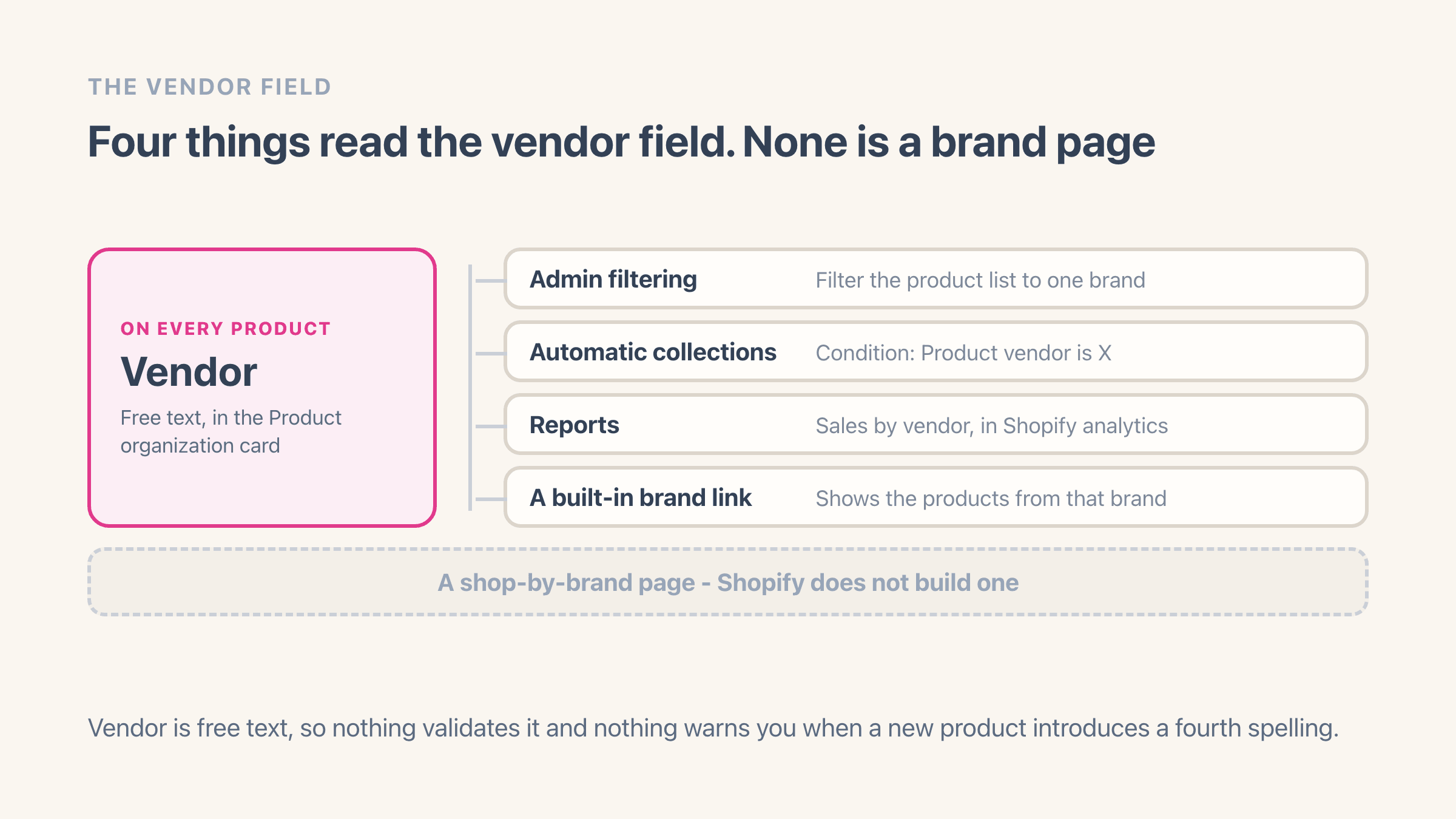
Expect the count to come back higher than the number of brands you believe you stock. The vendor box is free text and nothing checks it, so one product can be saved as "Aurora", another as "aurora" and a third as "Aurora " with a trailing space. That is three brands to anything reading the field, and three rows on your brand page. Half an hour of tidying can be the difference between fitting inside a free plan and paying for one, and renaming and merging vendors covers the bulk way to do it.
How Easy Brand Page builds the directory
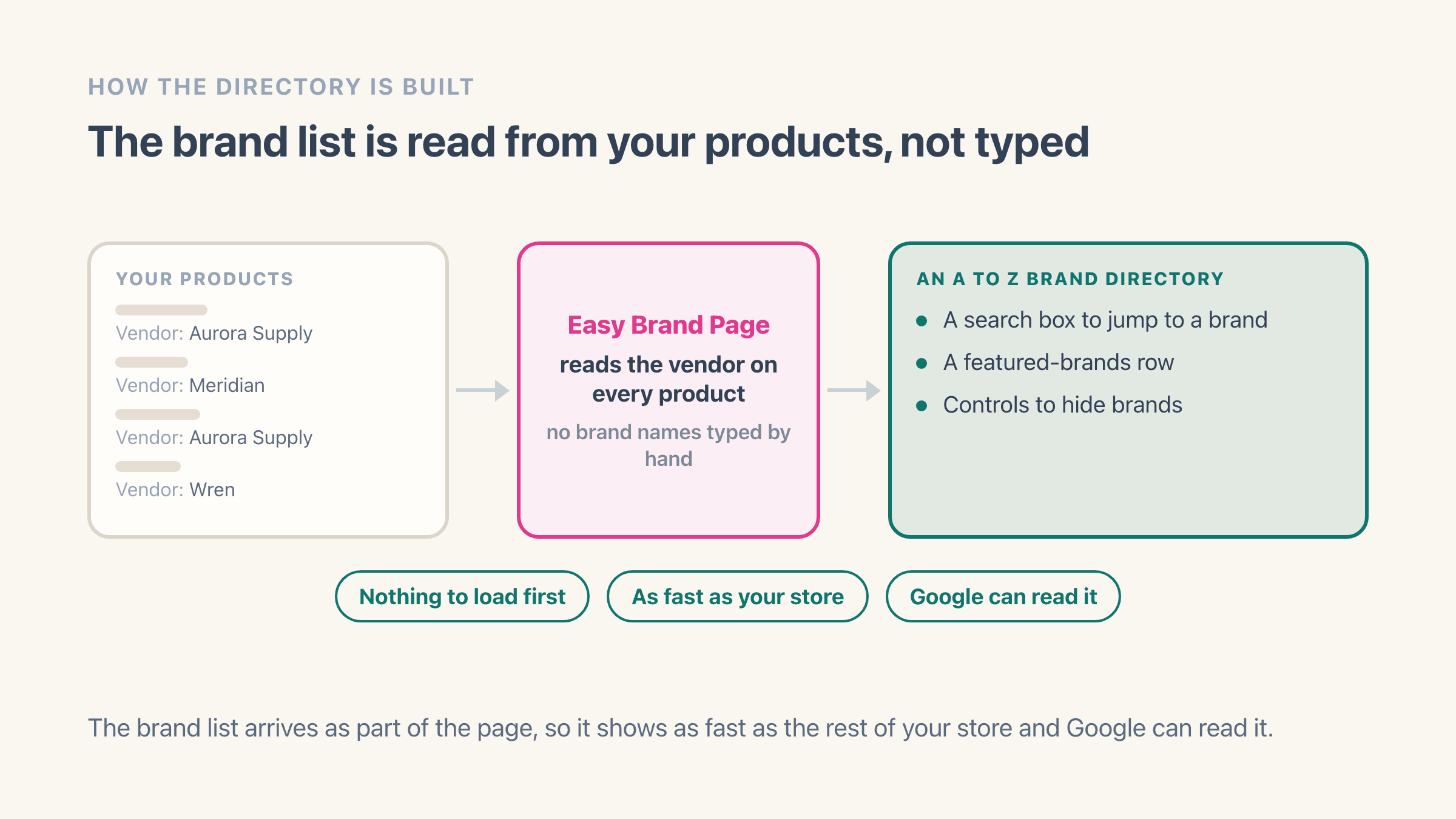
Easy Brand Page reads the vendors already on your products and builds an A-Z brand directory from them, so you are not typing brand names into a list by hand. It adds a search box shoppers can use to jump to a brand, a featured-brands row for your picks, and controls to hide brands you do not want listed.
The brand list is part of the page your theme sends to the browser, so it appears at the same speed as the rest of your store and Google can read it. There is no script that has to load and run first. You can read the setup in the Easy Brand Page docs.
It never edits your products and it never deletes or overwrites your collections. Uninstall it and the brand page stops showing; your vendor names, your collections and your product data sit exactly where you left them. That is the reassuring half of trying something on a live store.
Do you need an app for a shop-by-brand page?
Worth being precise about what the thing is first. A shop-by-brand page is a single index listing every brand you carry, each entry going through to that brand's products. Shopify does not build that index for you, and the two apps on this page are both ways of getting one.
Not always, though. Shopify already gives every vendor a working page of its own: add /collections/vendors?q=Aurora to your store address and you get that brand's products, with no app and no theme edit. If you stock four brands and you are content adding four links to your menu by hand, that is a real answer and it costs nothing. Adding a shop-by-brand page to Shopify walks the manual route as well as the app one.
It stops being a real answer somewhere around fifteen brands, or the first time a brand arrives or leaves. There is no index page, so a shopper cannot browse the list or search it, and nothing tells you a new vendor has appeared. A brand you started stocking in March is still missing from the menu in July. Keeping that list true is what both of these apps are actually selling, so the question is which one you want doing it.
Where LFS Instant Brand Page might fit better
LFS Instant Brand Page has been on the App Store since 2017 and lists five layout templates plus a scheduled refresh on its higher tiers. If you want a long-established app with more built-in templates and a refresh that runs on a timer rather than on demand, it is a reasonable pick.
Longevity is worth something real when an app renders a page your shoppers use. Nine years on the store means nine years of themes it has been made to work with, and an app that has lasted that long is unlikely to disappear on you next quarter. The rating is the other half of that picture and both listings publish it, so read the recent reviews on each rather than the score on its own.
The honest way to decide is to try Easy Brand Page on its free plan first, since there is no cost to see your own brand page before you choose.
What does switching brand page apps cost you?
Less than most app switches, because there is nothing to move. Neither app is where your brand names live. Your product vendor values are, and they stay in Shopify whatever you install, so a switch is install, scan, add the block, delete the old one. Budget twenty minutes.
Two things are worth planning first: the address of your brand page, and any settings you typed by hand. If your current brand page sits at a URL you have linked from your menu or that Google has indexed, keep that page and swap the block inside it rather than building a new page, so the address never changes.
Then write down anything you customised, like a hidden brand or the order of your featured row, because that is a list you will be retyping. If you want to see both side by side before you commit, duplicate your theme, set the new one up in the copy, and preview it without publishing.
Choose Easy Brand Page if
you want to start free, you want the brand list built from your product vendors with a search box, and you want a low flat $4 a month when you outgrow the free tier.
Choose LFS Instant Brand Page if
you want an app that has been on the App Store since 2017, with more built-in layout templates and a scheduled automatic refresh on its paid tiers.